
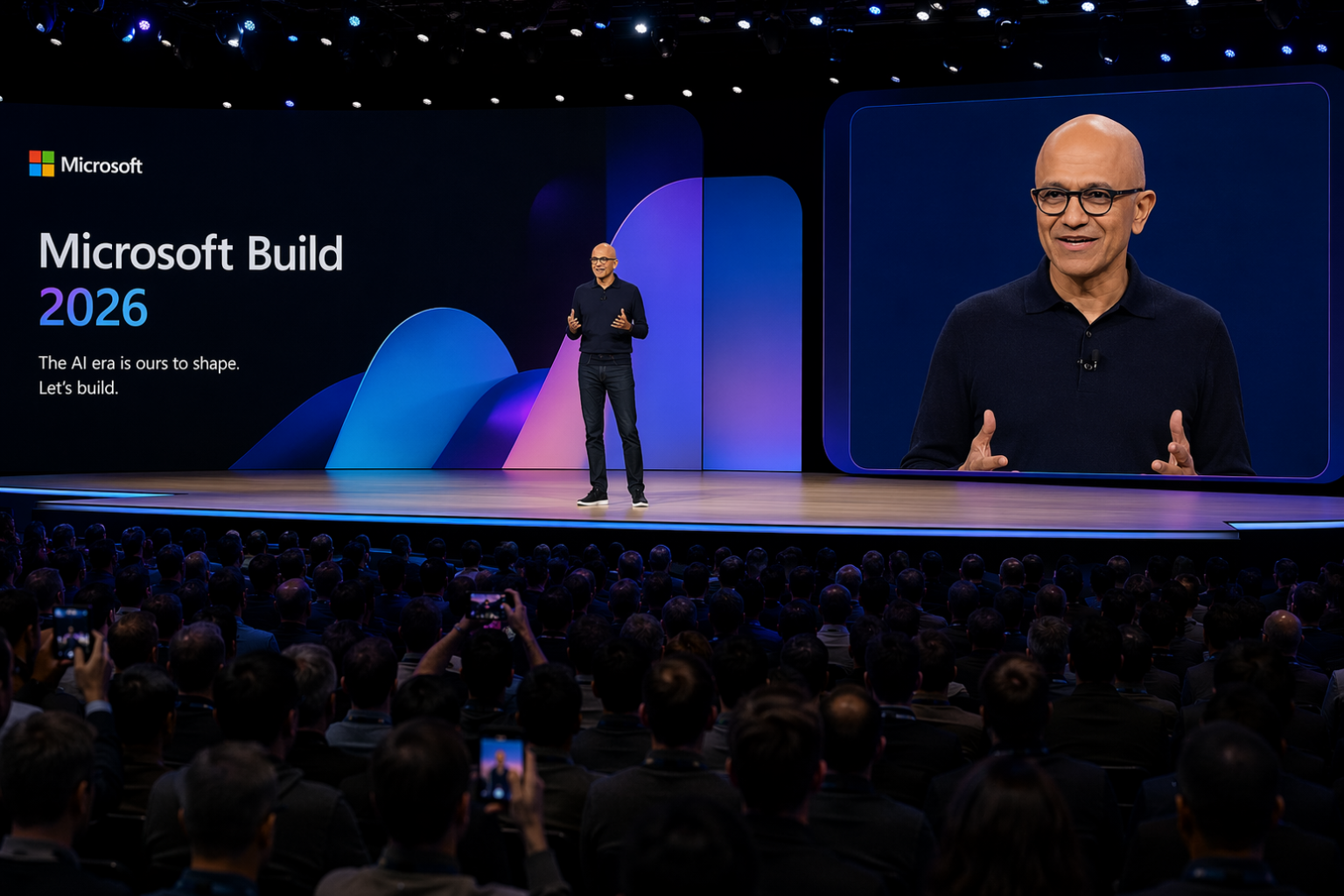
The biggest announcement at Microsoft Build 2026 wasn’t a model.
It wasn’t MAI.
It wasn’t Microsoft IQ.
It wasn’t Copilot Studio.
It was the realization that Microsoft is no longer building AI features. Microsoft is building the operating system for enterprise agents.
If you zoom out, every major announcement fits into that picture:
Individually, these look like product announcements. Together, they look like infrastructure. That’s the lens I’d use to understand Build 2026.
⏱ If you're short on time
- ▸ Intelligence Layer — Microsoft built its own AI models. The MAI family is here.
- ▸ Context Layer — Microsoft IQ is the unified retrieval endpoint for all enterprise data.
- ▸ Execution Layer — Copilot Studio's biggest updates shipped in May. Foundry closes the production gap.
- ▸ Economics Layer — Consumption pricing went live June 1. Governance starts here.
- ▸ Governance Layer — Responsible AI is now runtime architecture, not a checklist.
✨ Fun fact: The cover image for this post was generated using MAI-Image-2.5 — one of the very models announced at Build 2026.
● Intelligence Layer
Microsoft stopped reselling AI. They’re building it now.
For years, Microsoft’s AI story was simple: we have a deal with OpenAI, you get GPT. That changed at Build 2026. The MAI family is Microsoft’s first in-house frontier model lineup — built for the Microsoft stack, available to everyone, and already quietly running inside products you use today.
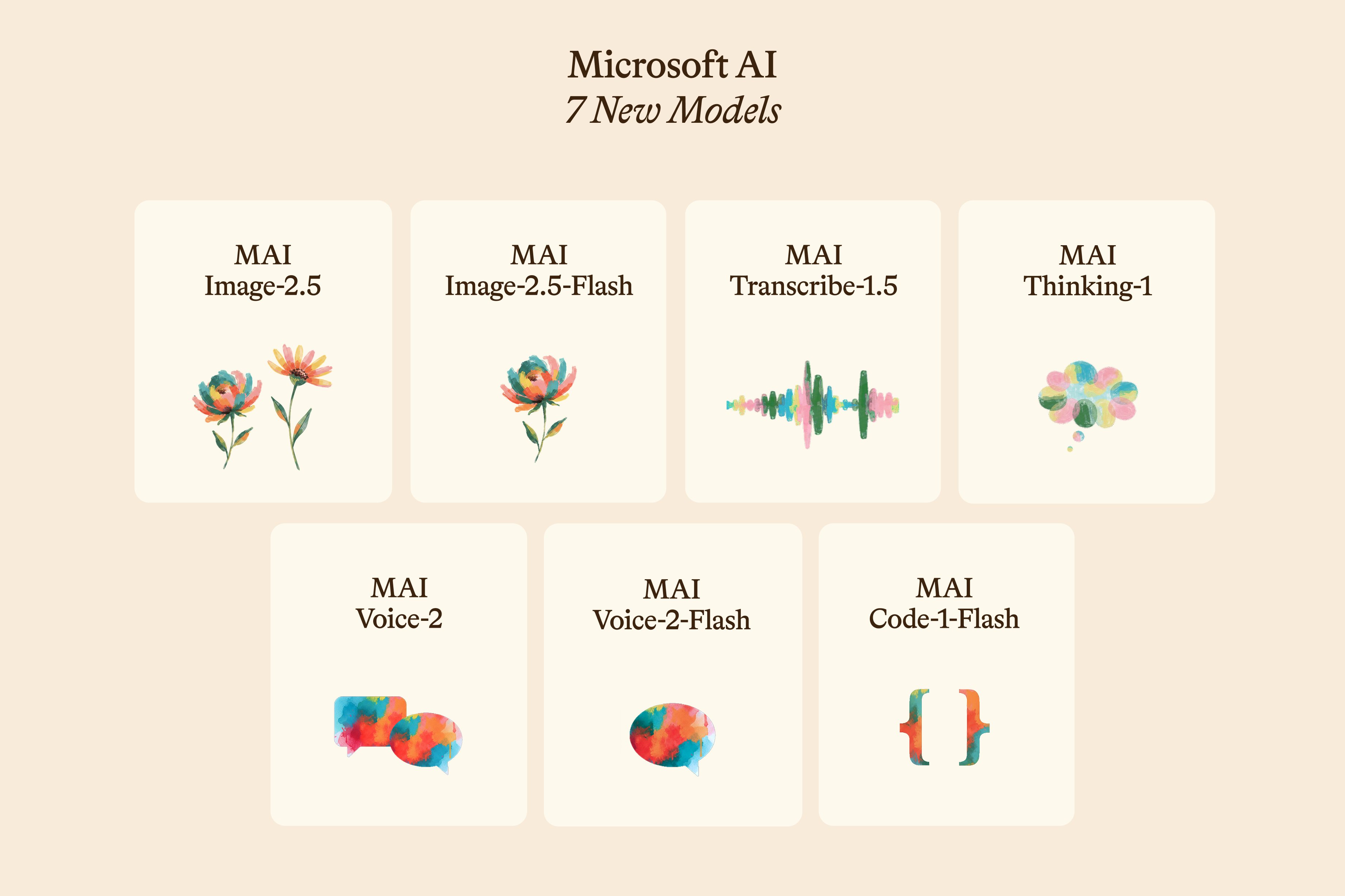
My take: Microsoft is no longer a distribution layer for OpenAI — they’re a model company now. When you pick a model in Copilot Studio or Foundry, you’ll increasingly have a MAI option deeply integrated with Microsoft’s data layer. For multilingual work across MEA, MAI-Transcribe-1.5 and MAI-Voice-2 are worth piloting the moment they’re in your tenant.
● Context Layer
Your agents finally have somewhere to look things up
Until now, every agent you built had to figure out context on its own — pull from M365 here, query Fabric there, maybe scrape the web if you were lucky. Microsoft IQ puts all of that behind one endpoint, and it’s generally available across GitHub Copilot, Foundry, and Copilot Studio.
My take: For Copilot Studio builders, check whether Work IQ knowledge bases can replace your custom RAG pipelines. For compliance-heavy clients in aviation and government, the SLA-backed single endpoint changes the reliability story significantly. The A2A spec with Claude/Gemini compatibility is huge if you’re building cross-platform agent architectures.
● Execution Layer
The biggest Copilot Studio update shipped before Build. Did you catch it?
Microsoft released most of this in the May 2026 update — which means it’s already in your tenant. If you haven’t checked your Copilot Studio environment this week, do that before reading anything else here.
My take: Computer-Using Agents removes the “our portal doesn’t have an API” objection permanently. The unified workflow canvas kills the biggest debugging pain — the Power Automate/agent action split is gone. Agent 365’s Analytics Viewer role is exactly what compliance teams have been asking for.
● Execution Layer
The prototype-to-production gap just got a lot smaller
Everyone can build an agent demo. Getting it to production — isolated, governed, observable, connected to the right tools — is where projects stall. Foundry at Build 2026 is specifically about fixing that.
⚠ Availability caveat — check your tenant region
Anthropic models (Claude Sonnet 4.5, Opus 4.5, Haiku 4.5) are on by default for commercial customers but not available in EU, UK, or government tenancies. Verify tenant region behaviour before promising this capability to clients.
My take: Magentic-One is the one I keep coming back to. Copilot Studio agents are A2A-compatible and can coordinate with Foundry-hosted agents without custom adapters. For regulated industries, the built-in OpenTelemetry tracing pipeline is your audit trail — you don’t have to build it yourself anymore.
● Execution Layer
The M365 May wave: 53 features, a few that change everything
Microsoft’s May 2026 M365 Copilot wave was one of the biggest single releases they’ve done. Most of it is already in your tenant. The ones that matter:
My take: Federated MCP connectors quietly change everything for regulated clients. No data leaves the source system, permissions are inherited, nothing new to govern. For clients who’ve been nervous about Copilot touching sensitive data — this is the architecture that makes it safe to say yes.
● Economics Layer
The billing shift happened the day before Build. Did you notice?
June 1 — the day before Build opened — Microsoft quietly flipped the switch on consumption-based pricing for agentic work. Copilot Credits are now the universal unit, and if you haven’t been paying attention, your next invoice might be a surprise.
My take — the Responsible AI angle nobody’s talking about: Consumption pricing is also a governance lever. Agent sprawl without a control layer is how bills double without anyone noticing. Before you enable credits for your org, write a one-pager — what agents are allowed to run, who approves new ones, how usage gets tracked. It’s not just a finance conversation. It’s an accountability one.
● Governance Layer
Governance wasn’t a track this year — it was baked into the architecture
I’ve been saying for a while that Responsible AI needs to move from a checkbox to a design constraint. Build 2026 is the first time I felt Microsoft actually shipped that idea, not just talked about it.
My take: ACS plus Purview together give you the architecture to walk into a regulated client and say “yes, we have controls” — and mean it with receipts. If you work in aviation, government, or healthcare, these aren’t optional features to add later. They’re the foundation. Everything in the handbook on intake and governance maps directly onto what Microsoft shipped here.
Also worth knowing
These shipped at Build but don’t need a deep dive today:
- ▸ GitHub Copilot desktop app (preview) — standalone agentic coding
- ▸ Windows Agent Runtime + Agent Framework GA for .NET and Python
- ▸ WSL containers via
wslc.exe— Linux natively on Windows - ▸ Windows Dev Configurations (GA) — one file, ready-to-code machine
- ▸ Intelligent Terminal (experimental) — native agent integration
- ▸ Project Solara — Android-based OS for agents (Qualcomm/MediaTek)
- ▸ Surface RTX Spark Dev Box — 128GB unified memory, NVIDIA Arm
- ▸ Microsoft Command Line blog — new transparency-first technical blog
What changes for me, starting Monday
I’ve been building with Copilot Studio for a while now. Most of what was announced at Build 2026 doesn’t change what I do — it changes what I can promise. And a few things change what I create.
1. Repricing every active build. Credits went live June 1. I owe every client an honest conversation about what their agent costs to run, not just to build. That conversation starts this week.
2. Reopening the “too complex” pile. Every client request I parked because it needed an API that didn’t exist — Computer-Using Agents just unlocked most of them. I’m going back through that list.
3. MAI is now part of my content workflow. The cover image for this post was generated using MAI-Image-2.5. Going forward, I’ll be using MAI models for blog visuals and marking them transparently as AI-generated. It’s the right thing to do — and frankly, it’s a live demo of the stack I write about.
4. The Responsible AI content I’ve been sitting on is coming out. I’ve had videos, frameworks, and walkthroughs parked because the tooling wasn’t quite there yet. ACS, Purview, Agent 365 — Microsoft just shipped the architecture I’ve been drawing on whiteboards. The content is ready. The platform caught up. Expect that to surface soon.
Build 2026 didn’t surprise me with what Microsoft is building. It surprised me with how fast it’s here — and how much of it I can use this week, not next year.
Before you close this tab
Five things to do before Friday:
Comments